Skip to content

ColliderML

About the Data

The ColliderML dataset is the largest-yet source of full-detail simulation in a virtual detector experiment.

Why virtual? The simulation choices are not tied to a construction timeline, there are no budget limitations, no politics. The only goals are to produce the most realistic physics on a detailed detector geometry, with significant computating challenges, in an ML-friendly structure.

The ColliderML dataset provides comprehensive simulation data for machine learning applications in high-energy physics, with detailed detector responses and physics object reconstructions.

The Open Data Detector

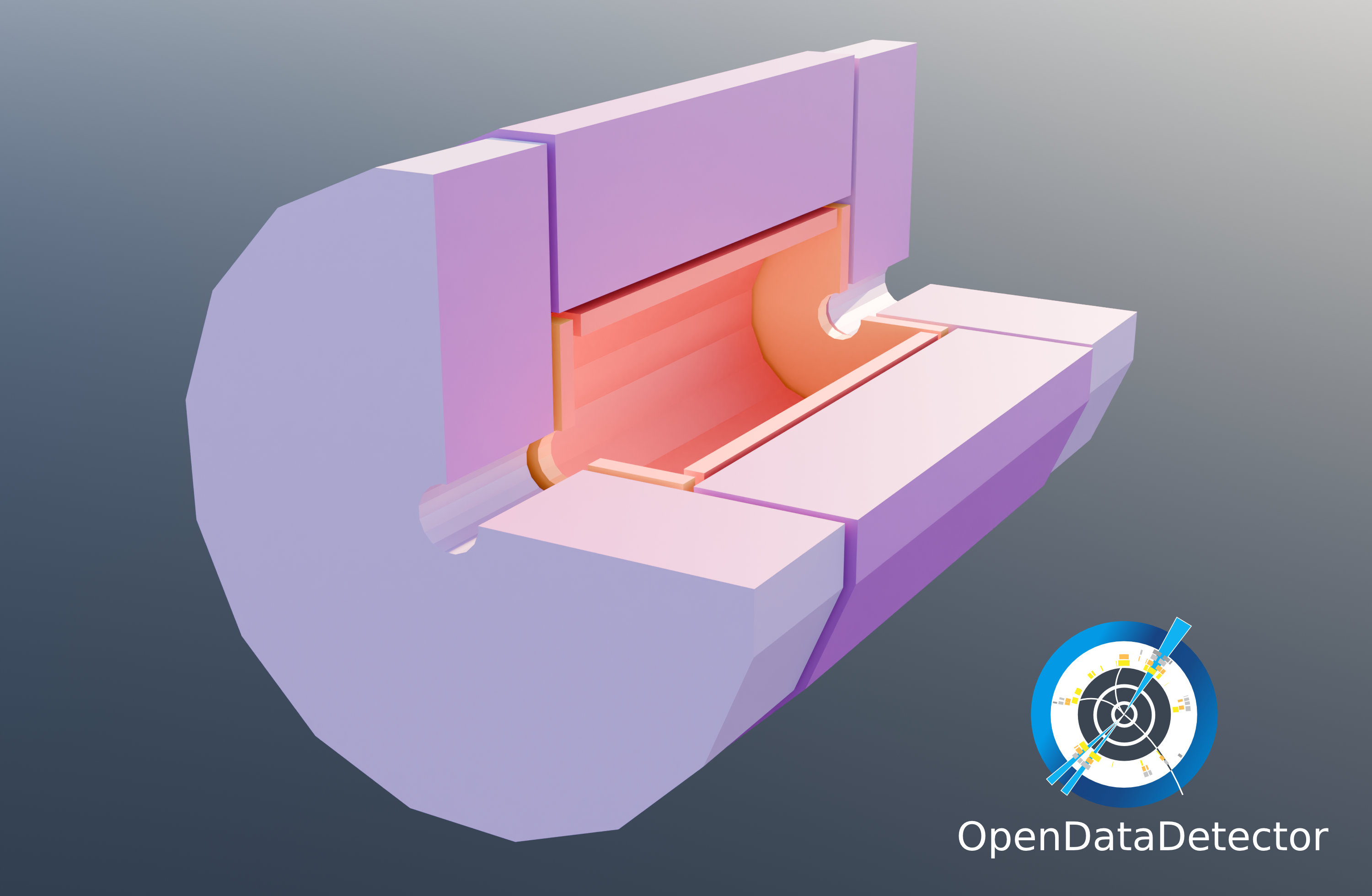
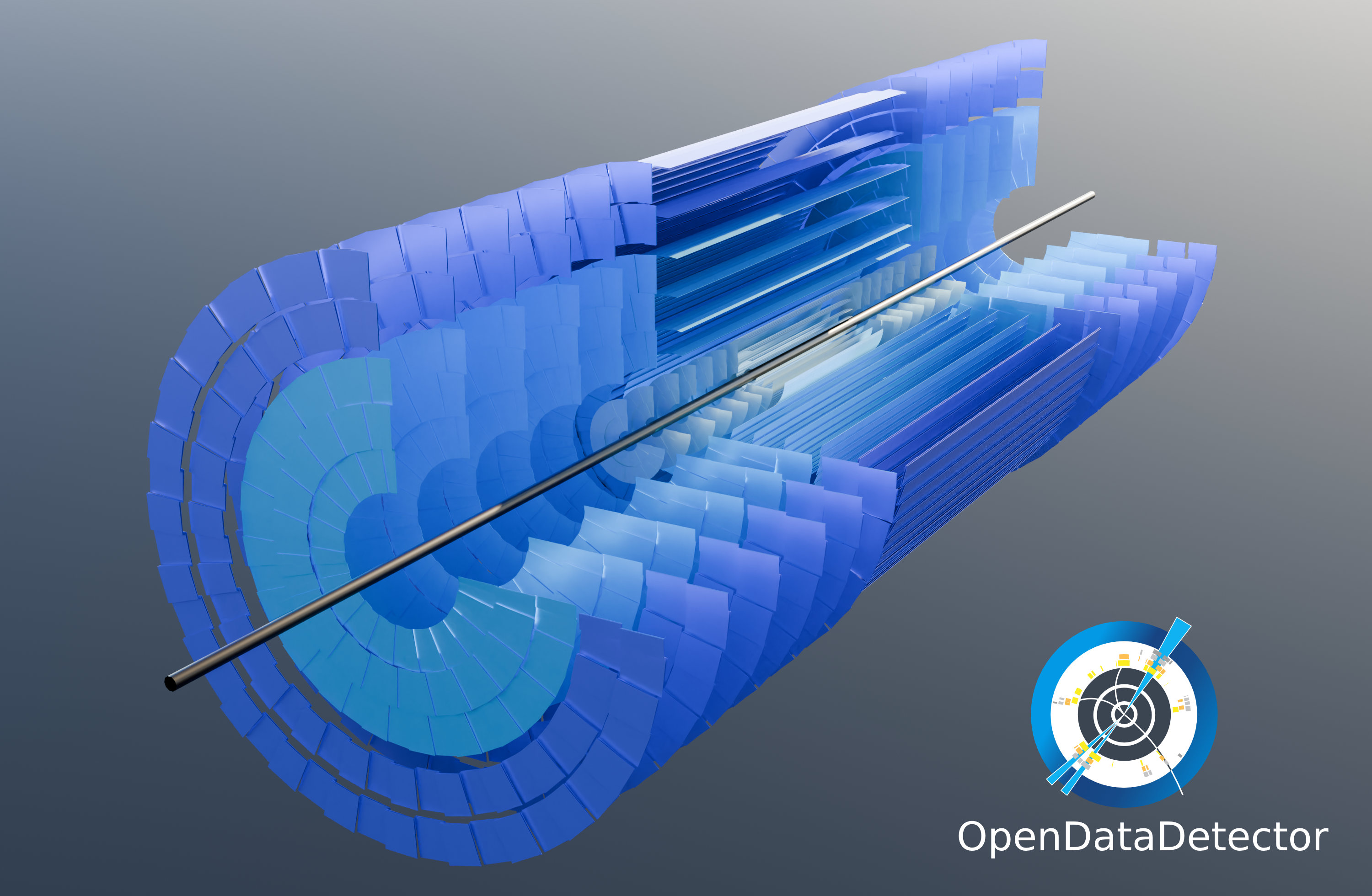
The simulation uses the Open Data Detector (ODD) — a realistic HL-LHC-class detector: a silicon tracker at the core, electromagnetic and hadronic calorimeters, and a muon system.
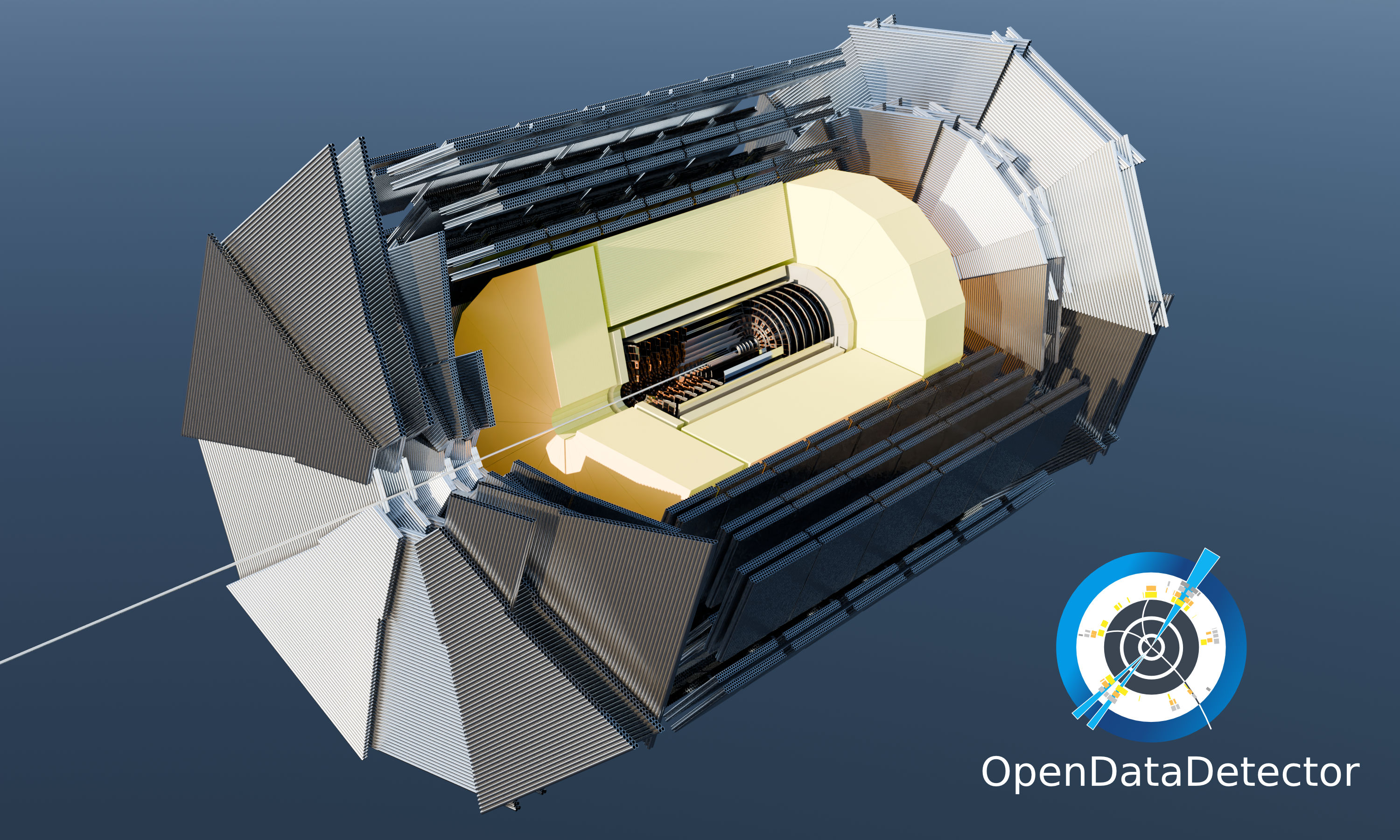
The full Open Data Detector in cutaway

The ODD silicon tracker

The ODD calorimeter and solenoid in cross-section

Explore a real event

A genuine simulated ttbar event — reconstructed tracks, calorimeter energy deposits, raw tracker hits, and clustered jets — rendered live in your browser. Drag to orbit, scroll to zoom.

Event display powered by hep-viz (Wilson & Facini, UCL; doi:10.5281/zenodo.18387794). See more on the detector & events page.

New to the platform?

Start with the platform tutorial — a six-chapter, runnable walkthrough that covers loading data, local simulation, remote (SaaS) simulation, benchmark submission, and publishing a model to the zoo.

What you can do

  • Load pre-generated events: colliderml.load("ttbar_pu0") — downloads on first call, then caches.
  • Simulate new events yourself: colliderml.simulate(preset="ttbar-quick") — runs the full Pythia → Geant4 → ACTS pipeline locally, or submit to the SaaS backend with remote=True.
  • Score your models against benchmark tasks: colliderml.tasks.evaluate(...) — six built-in tasks covering tracking, jets, anomaly detection, and systems constraints.
  • Explore interactively: use the event display or the leaderboard HuggingFace Spaces.

Get the Data

Download data with the colliderml CLI, then load it in Python with Polars. The dataset is also on HuggingFace if you prefer the datasets library.

Quick Start

  1. Install and download:
bash
pip install colliderml
colliderml download --channels ttbar --pileup pu0 --objects particles,tracker_hits,calo_hits,tracks --max-events 200
  1. Load in Python (same config as the download):
python
from colliderml.core import load_tables, collect_tables

cfg = {
    "dataset_id": "CERN/ColliderML-Release-1",
    "channels": "ttbar",
    "pileup": "pu0",
    "objects": ["particles", "tracker_hits", "calo_hits", "tracks"],
    "split": "train",
    "lazy": False,
    "max_events": 200,
}
tables = load_tables(cfg)
frames = collect_tables(tables)  # dict[str, pl.DataFrame]
# e.g. frames["particles"], frames["tracker_hits"]

For more (exploding tables, pileup subsampling, calibration), see the library docs and the exploration notebook.

Interactive Configuration

Use the configurator below to customize your dataset selection and generate the corresponding code:

Dataset Configuration

Loading available datasets from HuggingFace...

Download command

colliderml download --channels ttbar --pileup pu0 --objects particles,tracker_hits,calo_hits,tracks --max-events 1000
Then load the data in Python with load_tables; see the library docs or the exploration notebook.

If there are errors or unexpected behavior, please open an issue on the GitHub repository.

Dataset Changelog (latest 5)
  • (0.4.0 — 2026-05-27) - HF-native leaderboard score store: huggingface.co/datasets/CERN/colliderml-benchmark-results receives one JSON per submission at results/<task>/<user>/<sha12>.json. Pairs with the new client-side colliderml.tasks.submit(..., model_repo_id=...) which also lands a .eval_results/colliderml_<task>.yaml on the user's HF model repo so scores auto-render on the model card.
  • (0.4.0 — 2026-05-27) - CERN/ColliderML-Release-1 configs reorganised: per-pileup/per-object split ({channel}_{pileup}_{tracker_hits,particles,calo_hits,tracks}) replaces the prior monolithic per-channel layout. Enables event-range-scoped downloads (the tracking eval split is now ~700 MB to pull instead of multiple GB).
  • (0.2.0 — 2025-11-07) - Datasets now hosted on HuggingFace Hub for easier access and distribution.
  • (0.2.0 — 2025-11-07) - Support for standard HuggingFace datasets library for data loading.
  • (0.2.0 — 2025-11-07) - Migrated from NERSC manifest-based distribution to HuggingFace datasets. See the full changelog: Changelog.

Last updated:

Released under the MIT License.